Step 1: Creating a web application (Skip this step if you will use an existing web application)

  1. If you have a Web Application setup already, skip to Installing CENTRAL.
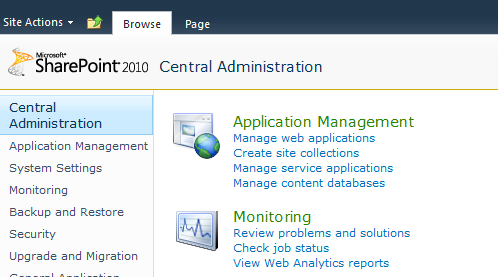
  2. Navigate to the SharePoint Central Administration page.
  3. Under Application Management, click Manage web applications.

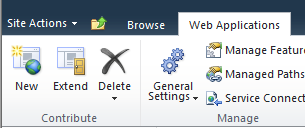
  4. At the top left of the page, click New.

    The New icon located by the Site Actions link
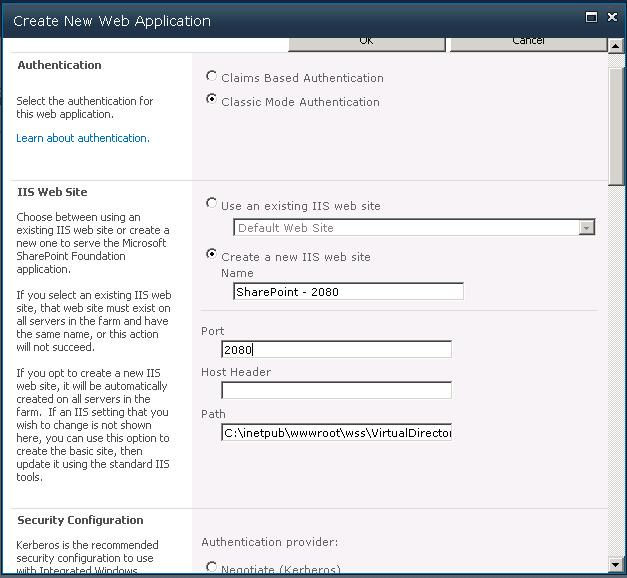
  5. The Create New Web Application form opens.

    Create New Web Application

  6. Enter a designated port for the Web App to communicate with.
  7. Enter the credentials of the account that you want to use as the web application service account.
  8. Click OK at the bottom of the page.

    The web application is created. This could take a few minutes to complete.
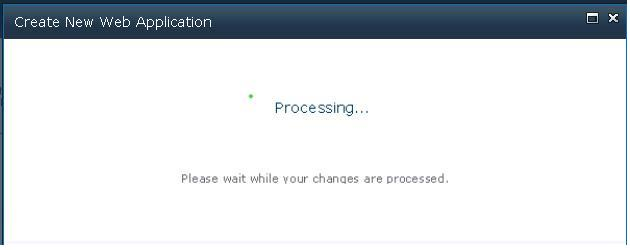
    Operation in Progress screen
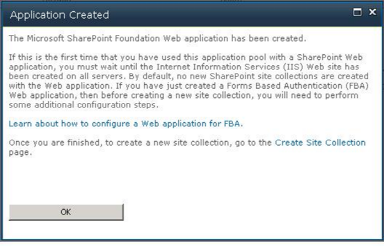
    Application Created confirmation

  9. After the web application is created, perform an IISReset.
  10. Open the IIS Manager and verify that the site and web application were created.