- Site Owners – To have full access to the site
- CENTRAL License Administrator – To manage licenses
- CENTRAL Reports Viewers – To view reports
- CENTRAL Site Administrator – To administer CENTRAL site settings
NOTE: Winshuttle CENTRAL can recognize a domain or computer management group that has been added to a SharePoint group if LDAP settings are configured. Winshuttle CENTRAL does not support a domain group within a domain group or a domain group within a computer management group. SharePoint also does not allow for nested SharePoint Groups.
 to verify, or click Address Book
  to locate a name. Click OK.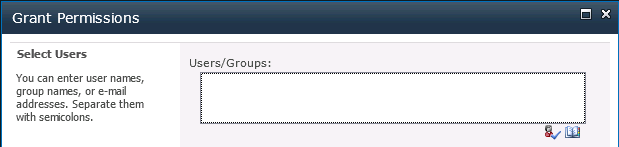
The Grant Permissions box.