Install Licenses
- On the home page of your target Winshuttle CENTRAL Site Collection, click WINSHUTTLE CENTRAL Administration
- Under Site, click Activate Licenses.
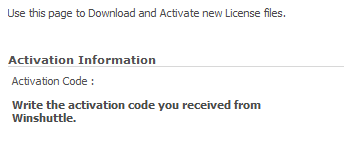
- In the Activation Code box, add the activation code that you received in the Winshuttle Licensing Information email.
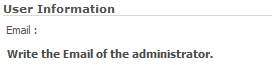
- In the User Information box, type the e-mail address of the Winshuttle license administrator for your company. Because the license administrator and the person who installs the software may be different, a copy of the license file is sent to this email address.
- Click Download License File. Save the file to a backup or shared location.
- Under Select license activation file, click Browse and navigate to the newly downloaded license file. This is an .xml file
- In the Description of this activation box, type a user-friendly description of the activation. Click Activate License.