The Manage application server page appears.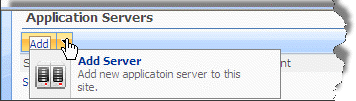

To control the various SAP application servers in your deployment, you must configure the servers in CENTRAL. The Application Servers setting facilitates communication between the desktop client and the SAP server via CENTRAL. There are two server types: production and non-production. Production servers are servers that run approved files and non-production servers are development servers where files reside that have not yet been approved or where development scripts are tested.
The Manage application server page appears.