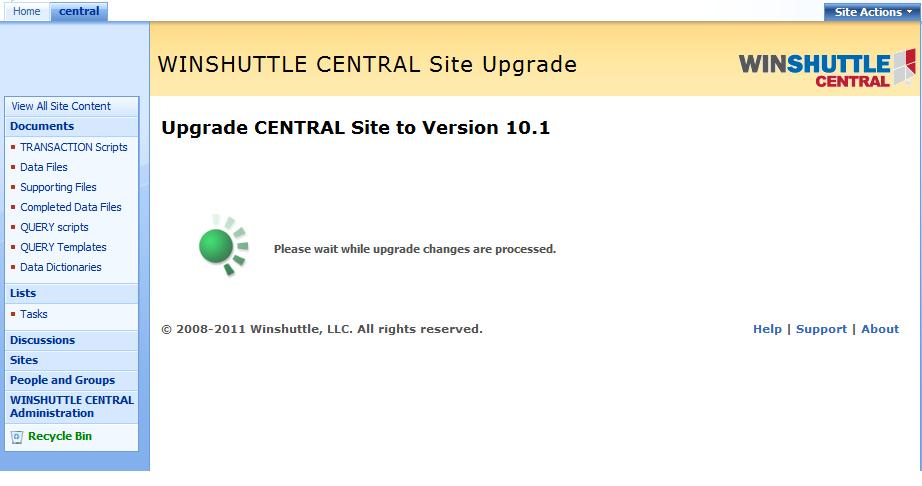
Upgrading CENTRAL 10.0 to 10.1
Important: Before upgrading, complete all existing workflows and pending jobs.
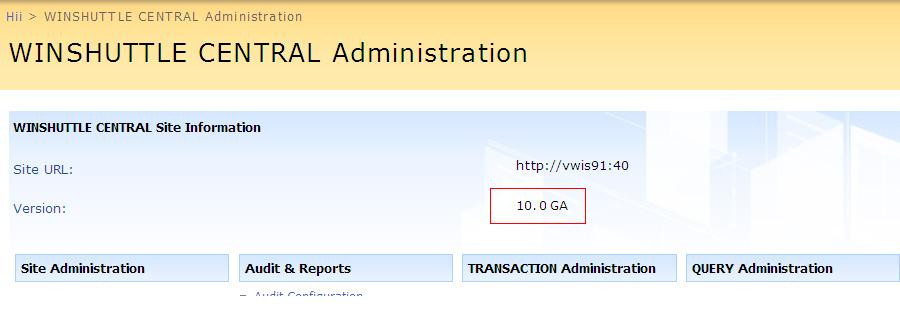
- From the CENTRAL Administration site, ensure that the current version is 10.0 as shown in the following image:
- On the SharePoint server, run CENTRAL setup.exe.
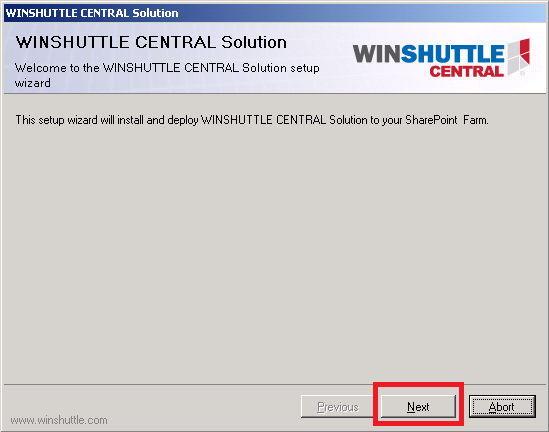
- When prompted, click Next on the CENTRAL Setup Wizard.
- Ensure the System Check page displays Green check marks next to each step, and then click Next.
- Ensure that Upgrade is selected. Click Next.
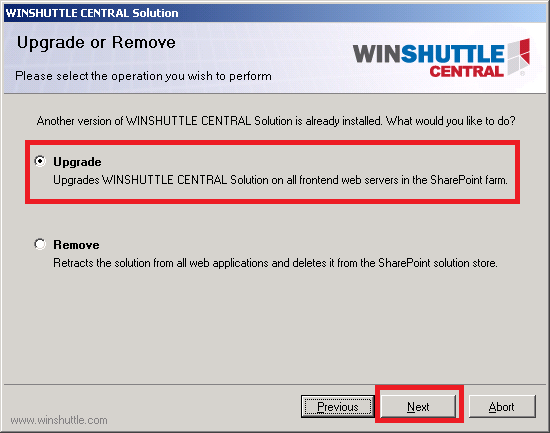
Select Upgrade option
- You are notified that running the upgrade will terminate existing workflows. The installation process continues.
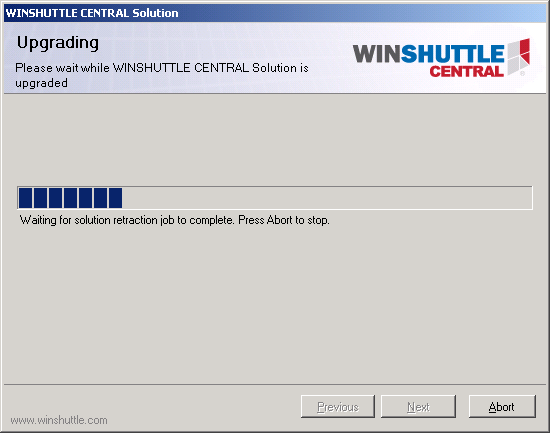
Upgrade progress
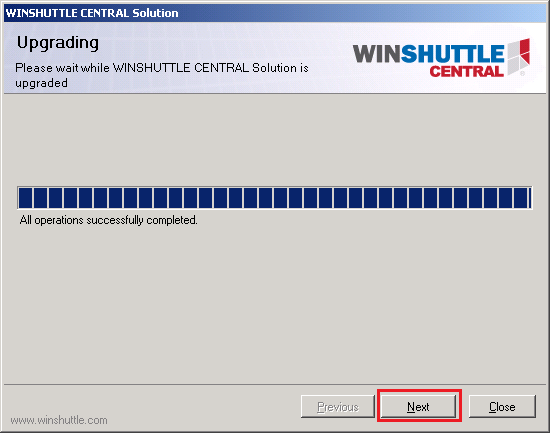
- When the upgrade completes, click Next.
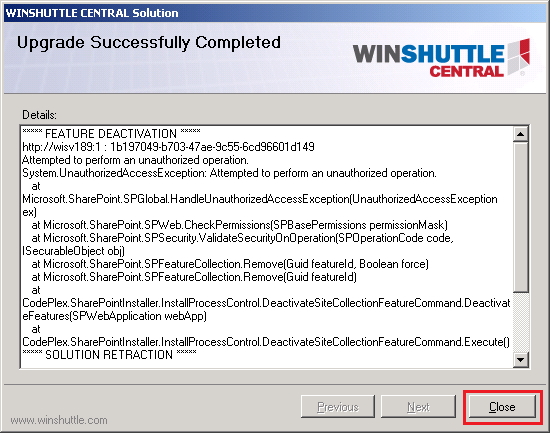
- The screen confirms that the upgrade was successful. Click Close.
- On the CENTRAL site, click CENTRAL Administration, and then click Upgrade V10.0 to V10.1.
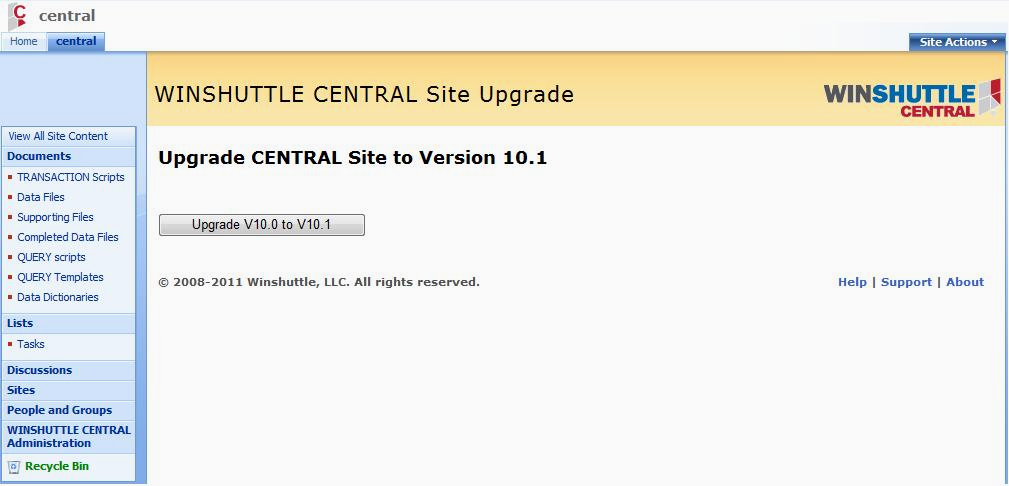
The upgrade is processed.